WinAntibg0x100
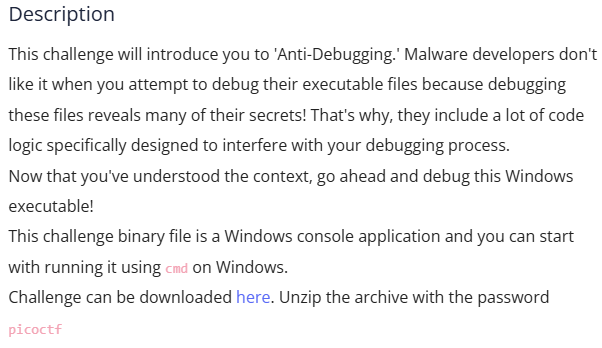
LEAD
UNZIP
Inside the file is the “malware” and the config.bin. The config bin doesn’t give us any useful information

RUNNING THE MALWARE
We need to launch a debugger
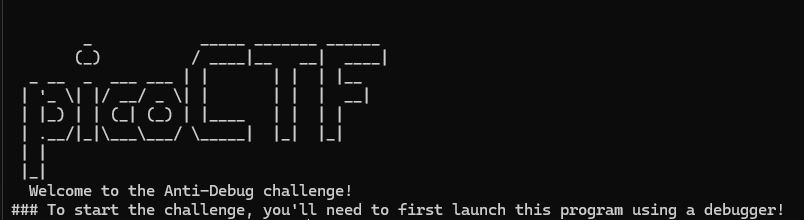
I used https://x64dbg.com/ to debug the program and take a deeper look into the program structure and logical flow
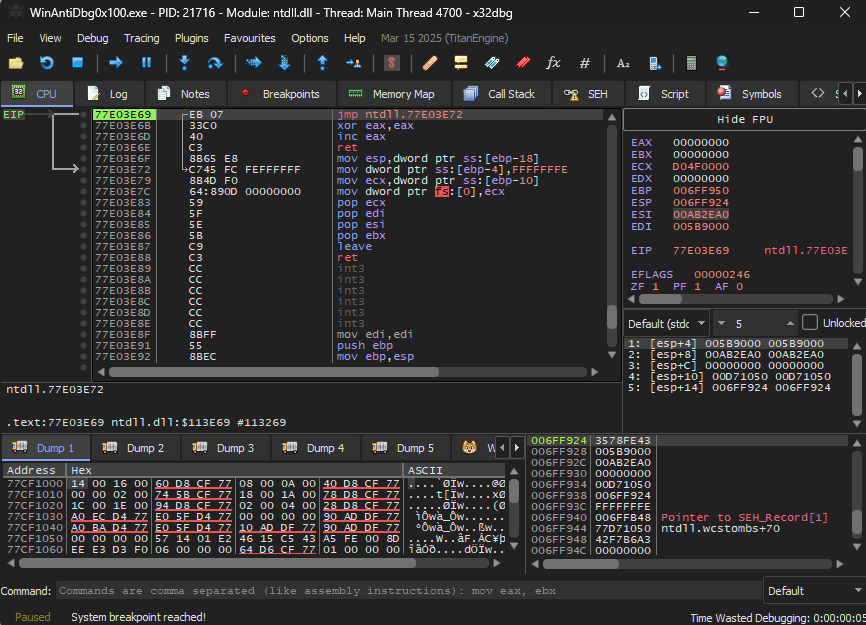
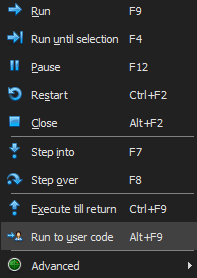
First i run the Run to user code which instructs the debugger to continue execution until the next line of code that the user has written is reached, skipping over any system or library code
I went to View> Symbol Info > WinAntiDbg0x100.exe
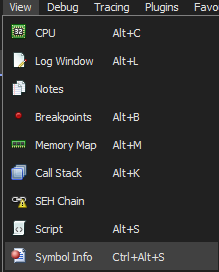
From here you , I checked for any keywords that hints at a detection function such as “debug” or “debug check:. Since the description states that here is some logic used to interfere with the debugging process
YOU SHALL NOT PASS
I found a “debuggerIsPresent”

Double Clicking this gives us the code within this function.

Run the step into function to trigger this message ( it knows we are using a debugger⚠️)
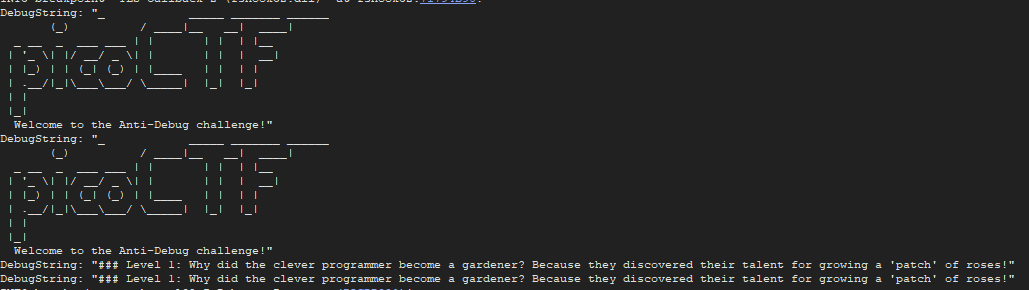
No flag just problems 🥲
GHIDRA TIME 🐲
I began looking for any function that resembles anything to do with the isDebuggerPresent function
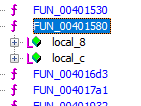
Finally found the function in FUN_00401580
We can see that the function checks to see if the Bvar3 is set to 0 this is where it will produce the flag that we are looking for.
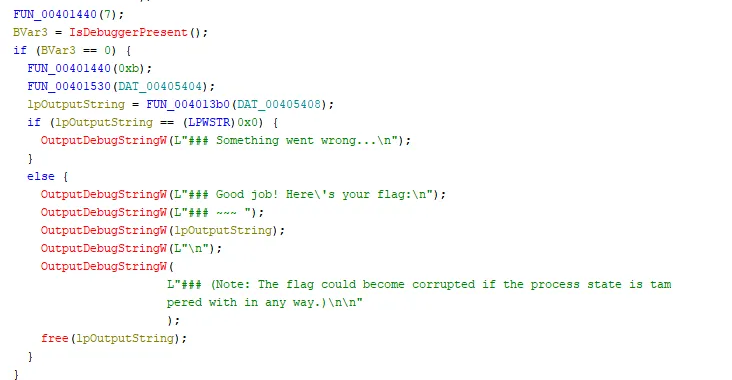
The equivalent assembly code is seen below. I will need to find this section in the debugger to be able to modify the variables and bypas the isDebuggerPresent() function call .
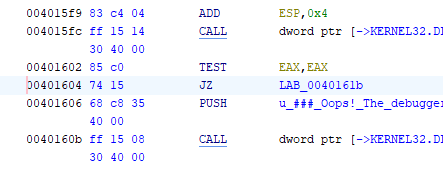
I then place a breakpoint above the isDebuggerPresent function() to prevent it from blocking me from getting the flag as it will use ret (return) to go back to the start of the program

I then modify the EAX value ( this is the value that stores the 1 or 0 Boolean value) and I change it to 0 essentially telling the isDebuggerPresent that there is no Debugger being used!
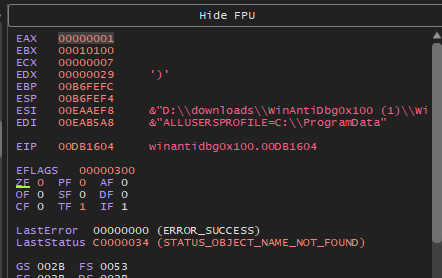
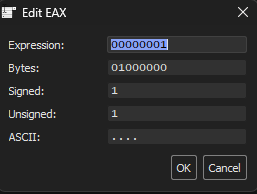
I then Run the program ➡️ again and we got the flag
FLAG
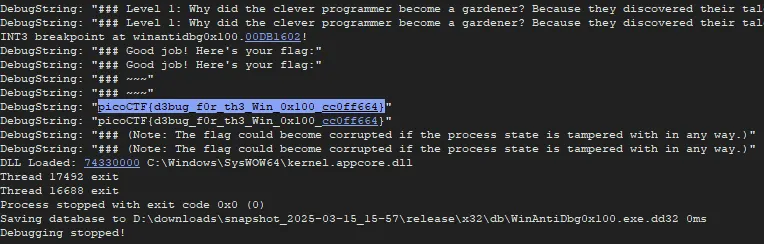

picoCTF{d3bug_f0r_th3_Win_0x100_cc0ff6€4}